> ## Documentation Index
> Fetch the complete documentation index at: https://docs.finanzdash.com/llms.txt
> Use this file to discover all available pages before exploring further.
# Change between reporting months
> Use the word 'dropdown' in your prompt to let users switch reporting months and refresh figures automatically
Using the word "dropdown" in the prompt and what it does
**Problem**
How can you create a report where the user can switch between individual reporting months and the figures update automatically?
**Solution**
Use the word "dropdown" in the prompt so the AI agent creates a report with a month selection that automatically refreshes the figures for the selected month.
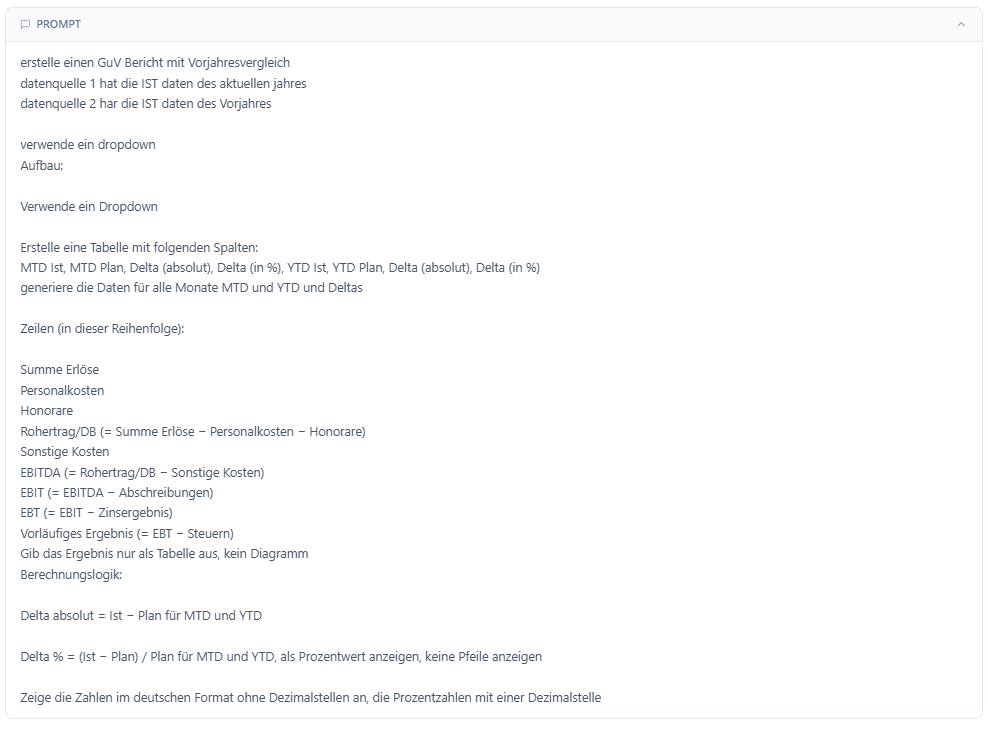 **How it works**
→ [AI reports documentation](/en/finanzdash-ki-berichte)
This documentation is built and hosted on [Mintlify](https://mintlify.com), a developer documentation platform.